

Stream PC Games to Mobile for Free
Overview
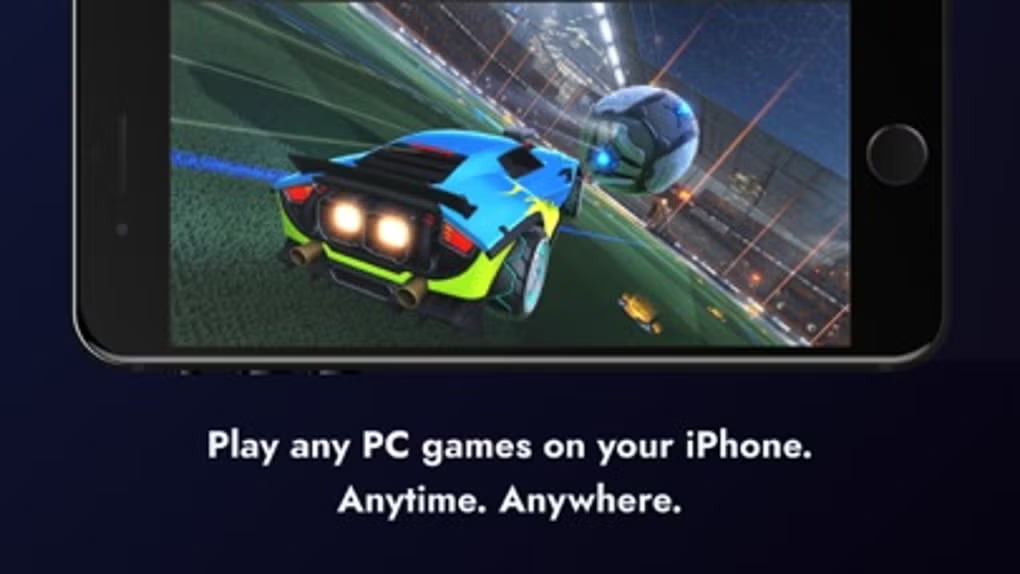
Rainway is a peer-to-peer game streaming application designed to extend the reach of PC gaming beyond the desktop. It allows users to run and play their favorite PC games on mobile devices, such as smartphones and tablets, without relying on cloud infrastructure or subscription plans. Instead of using remote data centers, Rainway establishes direct connections between the user’s gaming PC and their mobile device, reducing dependency on third-party servers and eliminating monthly fees.
The software targets PC gamers who want flexibility and mobility, enabling them to enjoy their library of games—particularly those from platforms like Steam—on the go. This is especially useful for users who may not have access to a dedicated gaming console or high-end mobile device but still want to play demanding PC titles. The app is ideal for casual gamers, remote players, and those seeking a lightweight alternative to traditional cloud gaming services.
As a free tool, Rainway removes financial barriers to game streaming, making it accessible to a broader audience. It is particularly beneficial for users with strong home networks who can maintain stable, low-latency connections between devices. While the developer did not provide additional details about the company or background, the app’s functionality suggests a focus on simplicity, performance, and user accessibility.
Key Features & Capabilities
- Peer-to-Peer Streaming – Rainway uses direct device-to-device connections to stream gameplay, minimizing reliance on cloud servers and avoiding subscription costs.
- Mobile Device Compatibility – Games can be streamed from a PC to iOS and Android devices, allowing for on-the-go access to a full PC game library.
- Low-Latency Performance – Optimized encoding and network protocols aim to deliver real-time gameplay with minimal input delay, crucial for responsive gaming.
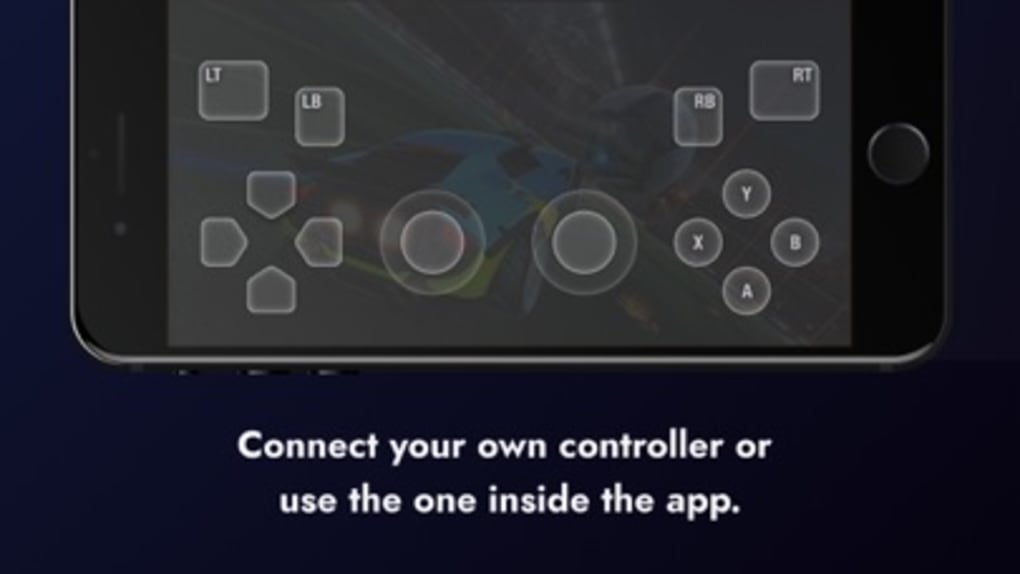
- Input Support – Full support for mouse, keyboard, and gamepad inputs on mobile devices, enabling precise control during gameplay.
- Integration with Steam – Seamless connection with Steam allows users to launch and stream games directly from their library without manual setup.
- Free to Use – No subscription fees or data charges, making it a cost-effective solution for mobile game streaming.
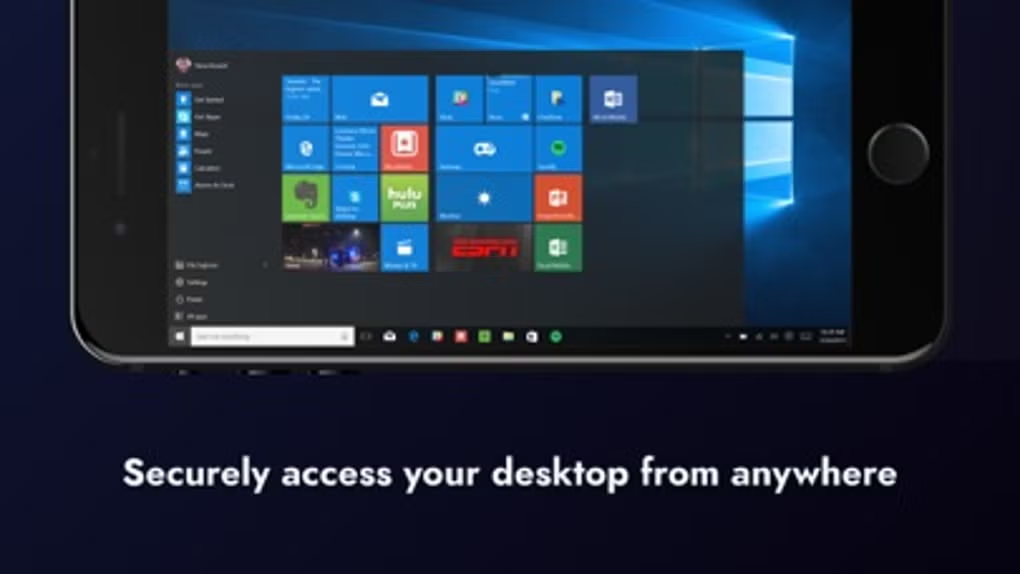
These features enable users to play resource-intensive games on mobile devices without requiring the device to process the game’s graphics or logic. Instead, the PC handles all computation, while the mobile device acts as a display and input controller. This workflow is ideal for users with powerful desktops but limited access to gaming hardware on the move.
User Interface, Workflow & Performance
Rainway features a minimalistic interface that prioritizes functionality over visual flair. The main window displays active connections, available games, and basic system status. Navigation is straightforward, with clear buttons for launching games, managing devices, and adjusting settings. The workflow begins with installing the app on both the PC and mobile device, followed by connecting through a shared network.
Once connected, users can browse their Steam library and initiate streaming with a single click. The app automatically detects compatible games and prepares them for streaming. The user experience is generally smooth when both devices are on a stable local network. However, performance may vary depending on network quality and the complexity of the game being streamed.
The developer did not specify resource usage details. Performance observations are based on general software behavior patterns. Stability appears consistent under normal conditions, though some users have reported occasional disconnections or lag during high-demand gameplay. The app maintains a lightweight footprint on the PC, but sustained use may impact CPU and GPU utilization due to real-time encoding.
Compatibility & System Requirements
Rainway is compatible with Windows and Mac operating systems, supporting both desktop and laptop configurations. The application requires version 2.1.0 and has an installation size of 158.4 MB. This makes it a compact download suitable for users with limited storage space.
Exact system requirements were not listed. The software likely requires a modern PC with a capable GPU to handle game rendering and video encoding. A stable Wi-Fi network is essential for consistent streaming performance. The developer did not provide additional hardware specifications or OS-specific compatibility notes.
Mobile compatibility includes iOS and Android devices, though specific device models or OS versions were not detailed. Users are advised to ensure both devices are on the same network for optimal connection stability.
Pros and Cons
Pros
- Free to use with no subscription fees or data charges
- Peer-to-peer streaming reduces dependency on cloud infrastructure
- Supports mouse, keyboard, and gamepad input on mobile devices
- Seamless integration with Steam for easy game access
- Low-latency streaming optimized for responsive gameplay
- Compact installation size of 158.4 MB
Cons
- Requires a gaming PC to run the server application
- Performance may vary based on network quality and stability
- Occasional disconnections and lag reported by users
- No official support for Linux or other platforms
- Limited documentation and developer transparency
FAQ Section
Is Rainway safe to use?
Rainway uses encrypted peer-to-peer connections to protect data during streaming. As a free application, it does not collect user data or display ads, which enhances privacy. However, users should ensure their network is secured to prevent unauthorized access.
Can I use Rainway without a subscription?
Yes, Rainway is completely free to use with no hidden fees, data charges, or subscription plans. All features are available at no cost.
Does Rainway require a gaming PC?
Yes, the PC running Rainway must be capable of running the games you wish to stream. It acts as the server, handling all game processing and video encoding.
Is Rainway available for Linux?
Currently, Rainway supports only Windows and Mac operating systems. There is no official version for Linux or other platforms.
Can I stream games offline?
Rainway requires a network connection between the PC and mobile device. It cannot stream games without an active connection, even if the game is installed locally.
Final Thoughts + CTA
Rainway stands out as a practical, cost-free solution for gamers seeking to extend their PC gaming experience to mobile devices. By leveraging peer-to-peer technology, it avoids the recurring costs and data usage associated with cloud-based alternatives. While it may not offer the polished experience of commercial services, its core functionality is solid and reliable under the right conditions.
It is best suited for users with a powerful gaming PC and a stable home network who value flexibility and affordability. The lack of subscription fees and minimal system footprint make it an attractive option for casual and intermediate gamers alike.
Despite minor stability issues and network dependency, Rainway delivers a compelling balance of performance and accessibility. For those looking to play their Steam library on the go without spending a dime, it’s a worthwhile tool to explore.
Download Rainway now







